

Hello friends,
The Gift of Music
I was recently delighted to connect with a friend who shared a playlist I created for her back in 2003. I thought it might have been lost to time and a few moves, but to my surprise, she still had it. It has become one of her holiday traditions. Knowing that this simple, heartfelt gift has brought joy and comfort for 21 years fills me with gratitude and reminds me of the timeless power of music.
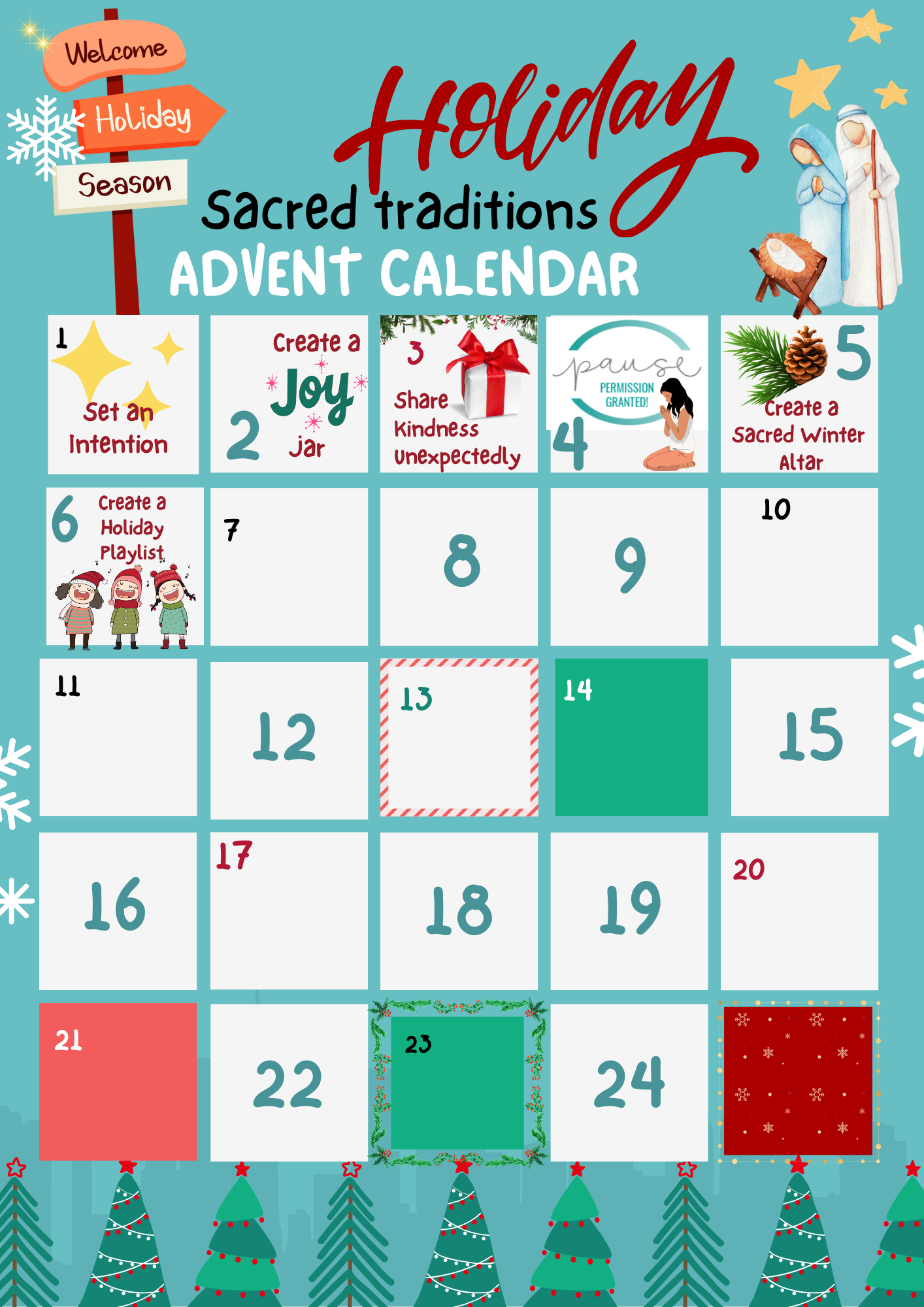
Today's Sacred Tradition: Create Your Own Playlist
Music has a way of weaving magic into the season, evoking memories, and lifting spirits. Today, I invite you to create your own holiday playlist. This can be:
A personal collection of songs that spark joy, calm, or nostalgia.
A gift to share with a friend, family member, or loved one.
Consider including a mix of your favorite holiday classics, songs that remind you of special moments, or even tracks that inspire stillness and reflection.
Bonus Tradition
If you’re gifting a playlist, write a heartfelt note explaining why you chose the songs—sharing the personal connection can make it even more meaningful.
Music is a gift that keeps on giving, a sacred tradition that can carry joy through the years. What favorite song will you include on your playlist?
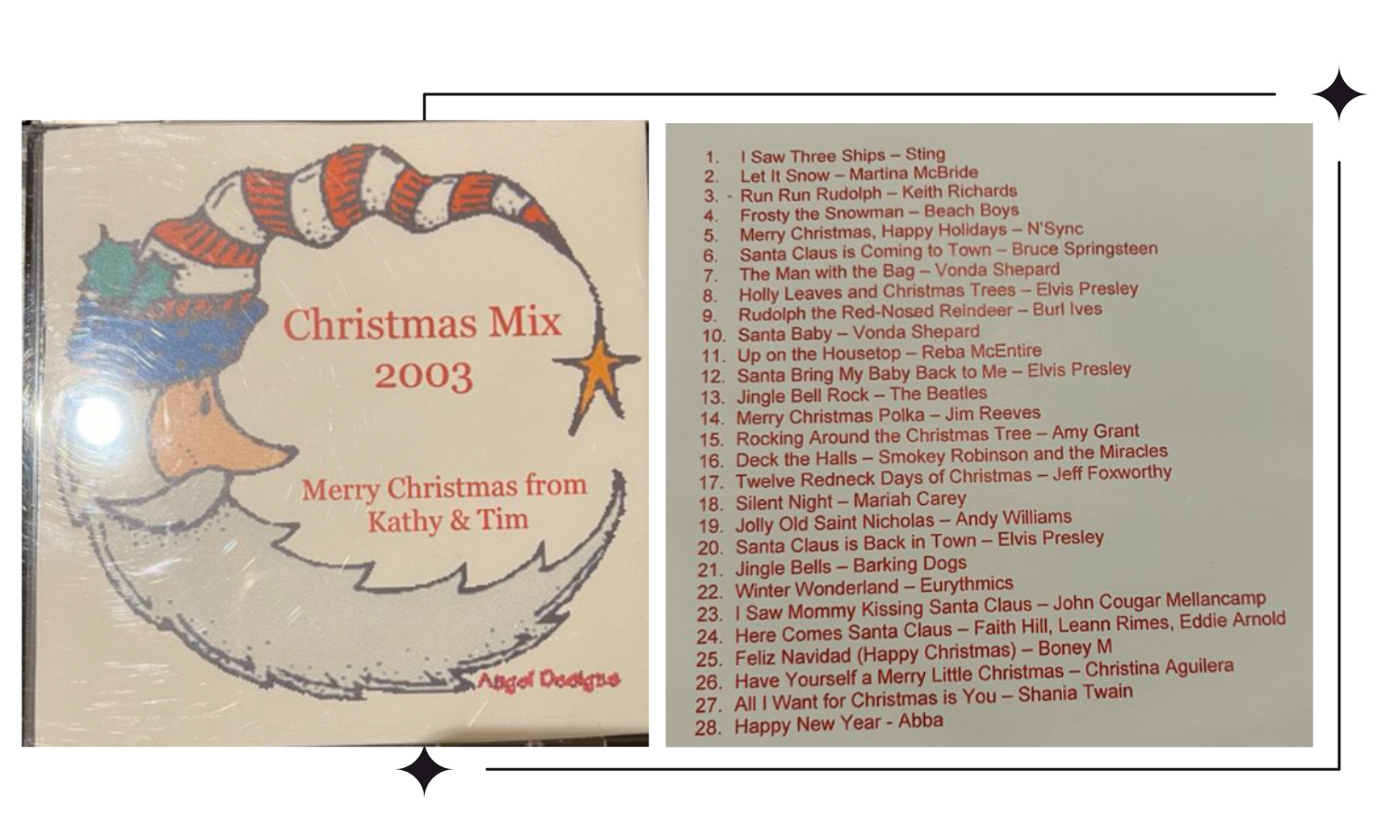
I’ve recreated my original Christmas Mix 2003 on Spotify. To create your own, follow the steps below.
Steps to Create a Spotify Playlist
Download Spotify
If you don’t already have Spotify, download the app on your phone, tablet, or computer, or visit Spotify’s website.
Sign Up for a Free Account
If you’re new to Spotify, you’ll need to sign up. The free account allows you to create playlists, though it includes ads and has some limitations, like shuffle-only play on mobile.
Create a Playlist
Open the Spotify app or website.
Go to the "Your Library" section and click "Create Playlist" (on desktop, it’s a button on the left; on mobile, it’s usually at the top of your Library).
Give your playlist a name (e.g., Sacred Holiday Traditions) and optionally add a description.
Add Songs
Use the search bar to find songs you love.
Click the "Add to Playlist" button (three dots or a "+" symbol) next to each song and select your playlist.
Customize Your Playlist
Rearrange the order of songs by dragging them (desktop only).
Add a cover image for the playlist to make it personal.
Share Your Playlist
Click the three dots next to the playlist name and choose "Share" to copy the link or post it directly to social media.

"A playlist is a soundtrack to our lives, capturing memories and emotions in a way nothing else can."
– Unknown
I still have my CD which is a good thing as I don't see how to get it on my Spotify account. The challenges, 🤣
Oh this is lovely! What a beautiful idea to have shared a playlist with a friend.
I just went to my Spotify account to see what was in my Christmas playlist and I'm going to add to it & play it today. One of my favorite songs is by Martina McBride - "Do you hear what I hear". Thank you!